
This document covers the following topics:
Click on the host configuration icon  on the top right corner of the Adabas Manager screen.
Click on the button .
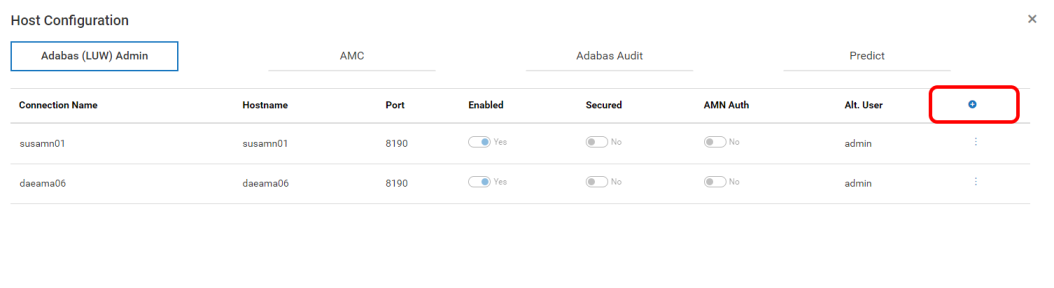
Click the "+" icon on the far right, to add a new Adabas REST Administration HOST
Enter the values according to your connections.
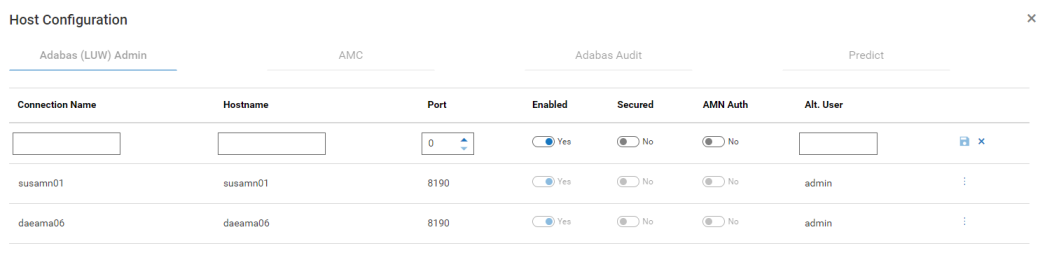
You can add as many host connections to the Adabas REST Server as you want, and enable only those you want to administer by setting the connection to ‘Enabled’ (default setting).