
This document covers the following topics:
In the Adabas REST Server configuration file, the Adabas installation location (ADAPROGDIR) is set by default to the Adabas REST Server installation directory.
 To enable administration of a different Adabas version
From an Adabas command prompt, set the Adabas environment by executing the command service.bat add_env <Adabas installation location>.
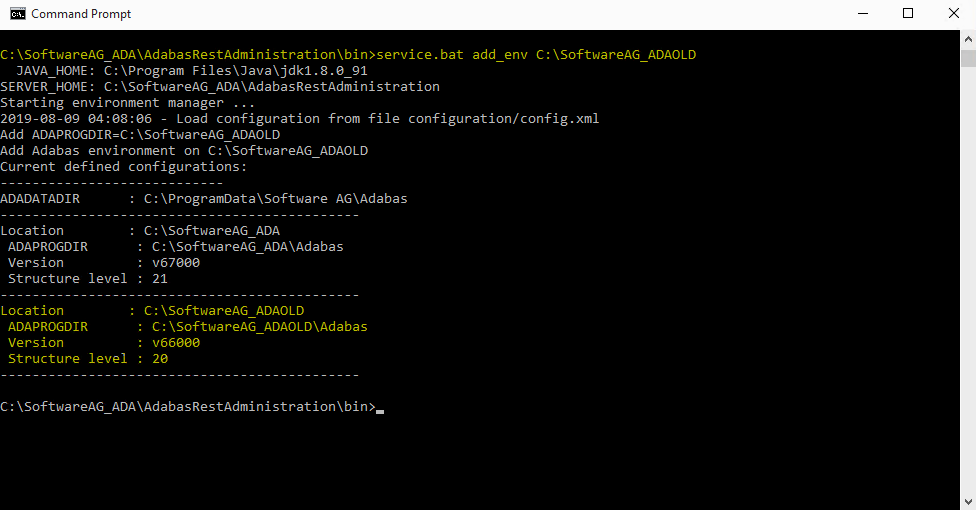
To set the Adabas environment for lower Adabas version, use the latest Adabas REST Server installed for the current Adabas version.
Note
If the specified installation location does not have Adabas installed, the error
message EAIF00013:Adabas environment path error will be
displayed, e.g. ‘Error evaluating environment on
C:\SoftwareAG_ADA:EAIF00013:Adabas environment path error for
C:\SoftwareAG_ADA\Adabas’