
The Application Wizard is a tool which can be used as a simple alternative to the application workspace. You can use it to create, copy, rename and delete applications, to modify the description of an application, and to link/unlink Natural objects to/from an application.
 To start the Application Wizard
From the menu, choose .
Note
This command is only available when the Application Wizard has been activated in
the Plug-in Manager. See Plug-in Manager in the documentation
Using Natural Studio for further information.
When an application server has not yet been connected, a dialog box appears first in which you have to specify the required connection information. See Connecting to an Application Server for detailed information on this dialog box.
When an application server has been connected, the Application Wizard is started.
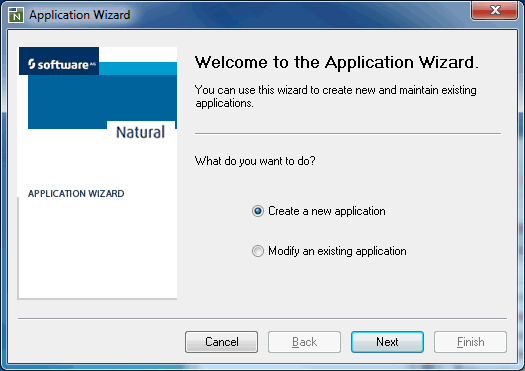
Select the required option button, choose the button and follow the instructions on the following pages of the Application Wizard.