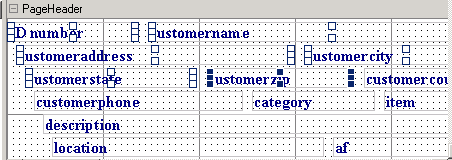
1. Select a field or multiple fields in a page header.
To select multiple fields, hold down the Shift
key and click on the fields.
2. On the Format
toolbar, select a new font from the font list box.

3. To change the font size, select a new size from the font size list box.
4. To change the font color, click the Text
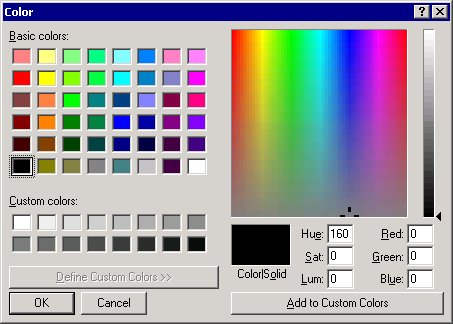
Color button. The Color dialog box opens.

Text Color button
5. Select a color from the Colors
palette, and then click the OK
button.