
1. Select the Checkbox
button on the Toolbox toolbar.

Checkbox button
2. The cursor changes to a crosshair. Place the cursor
in the page footer and drag down and to the right to insert a checkbox
and label.
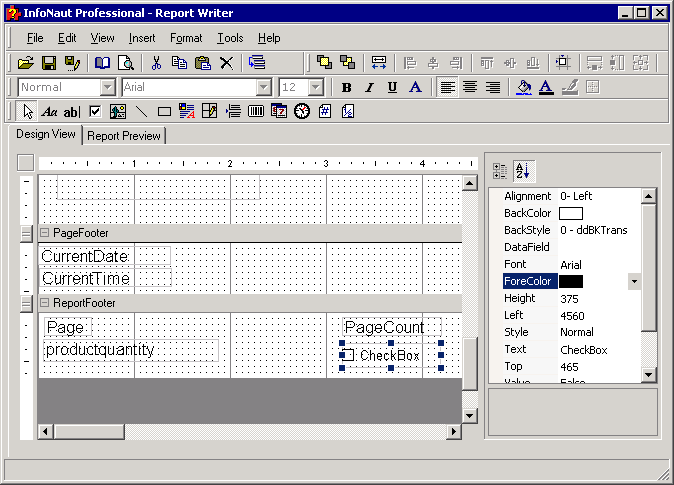
3. To change the label of the checkbox, select Caption in the Properties list box.
Change the name of the label or delete it.
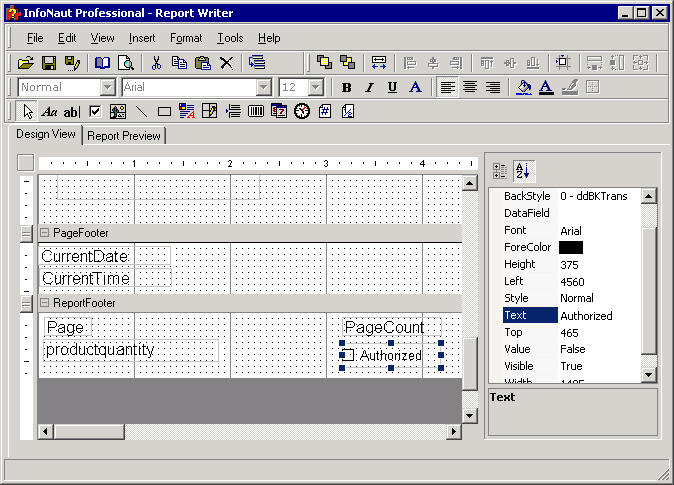
4. Resize the frame surrounding the checkbox, if necessary.