
The results of a query can be printed from within the Print Preview window.
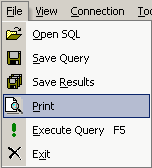
1. Click the File
button, and then click Print.
2. The Print
Preview window opens.
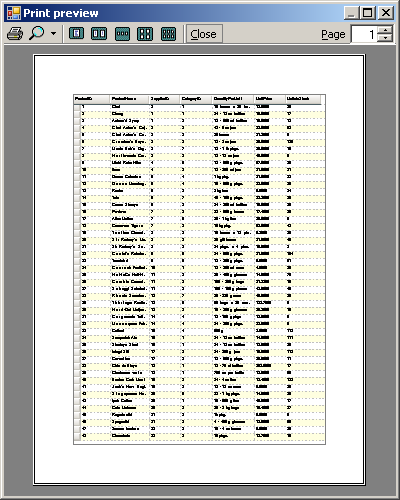
3. Click the Print button.

4. The Print window appear. Select the appropriate printing options and click Print.